Self-service kiosk · Included free in ProPOS
Let guests order for themselves.
A kiosk on a simple Android screen. Guests browse your menu in their own language, build their order and send it straight to the kitchen, while your staff keep cooking.
Live demo
Order a pizza at Luna Rossa.
This is the real kiosk of Luna Rossa Pizza Co., our demo restaurant, running live. Try it the way a guest would.
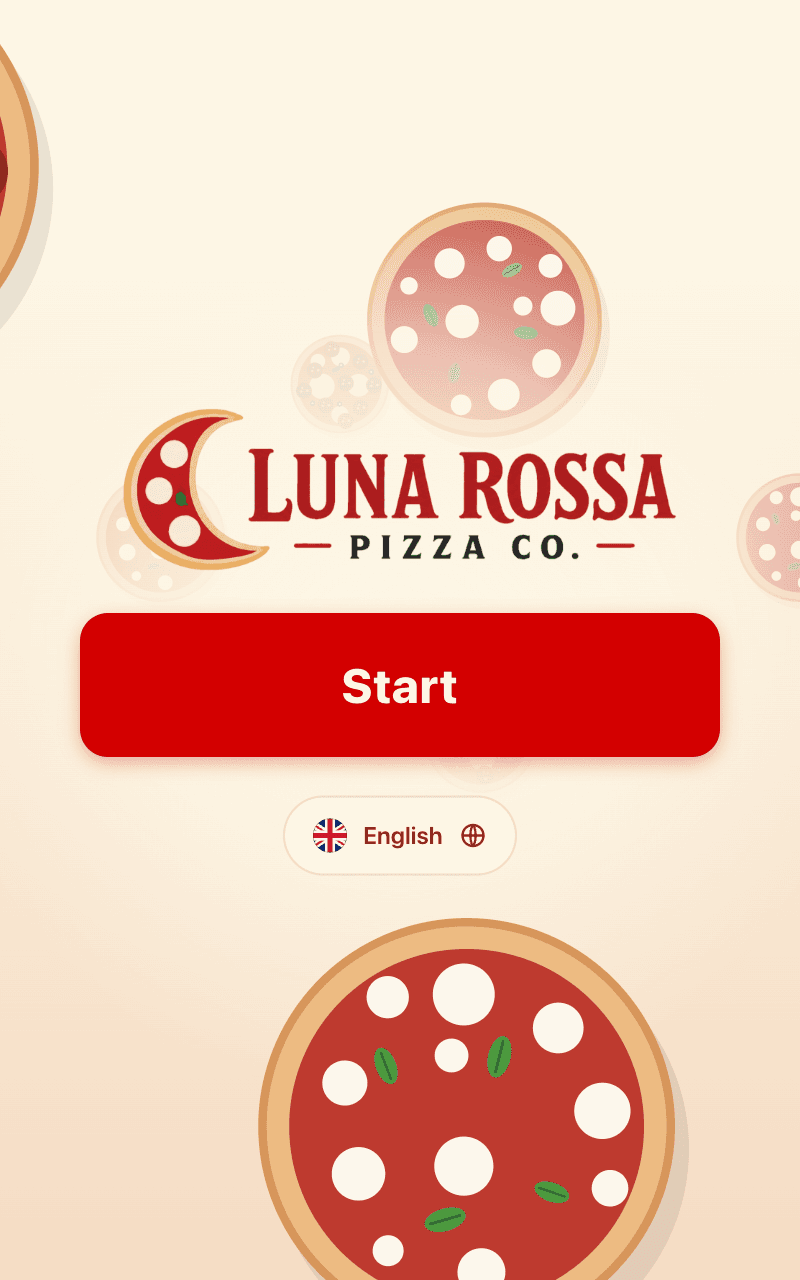
- 1Tap Start, or change the language first
- 2Choose Eat here or Take away
- 3Open a pizza to pick the dough and extra toppings
- 4Check your order and go on to pay
This is a browser preview: nothing is sent to the kitchen and nobody is charged.
Paying
Order at the kiosk, pay at the counter.
The kiosk takes the order; the guest pays when they collect it. So the kiosk can be a plain screen, with nothing to plug a card into.
Pay at the counter
Available nowThe order reaches the kitchen the moment the guest sends it. They pay when they pick it up, and the order is already on your till, ready to settle.
Card payment at the kiosk
Coming soonGuests will also be able to pay by card at the kiosk itself, so the order arrives in the kitchen already paid.
Low-cost hardware
Runs on a simple Android screen.
No special kiosk cabinet. An Android tablet or touchscreen on a stand or on the wall, upright or on its side, is all it takes.
- Any Android tablet or touchscreen, portrait or landscape
- Can print the guest a ticket with their order number, on a built-in or network printer
- Runs full screen, with its settings behind a manager or owner PIN
- Orders reach the kitchen display and your till like any other order
Pickup display · Included free in ProPOS
Call orders without calling out.
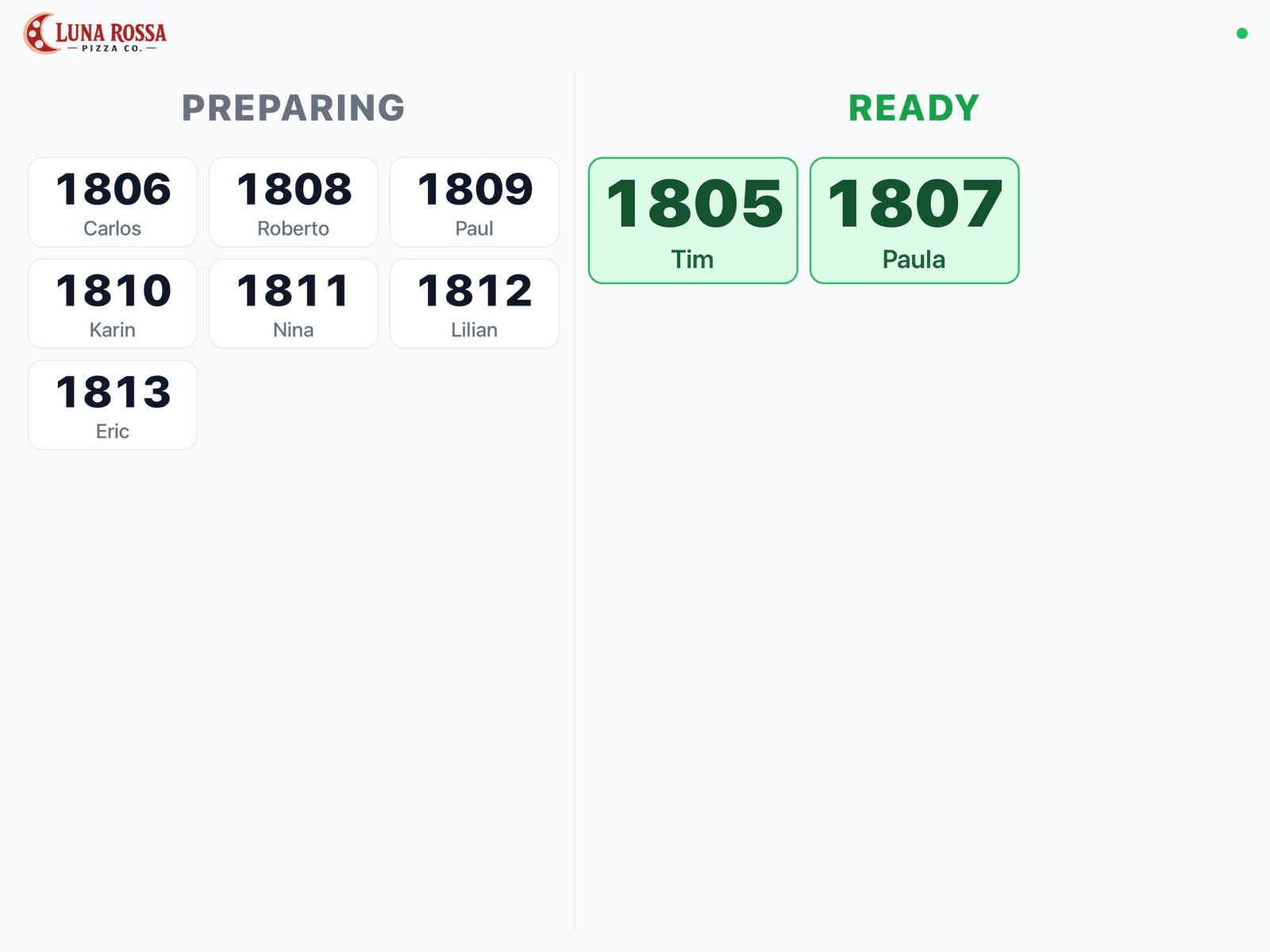
The kitchen display app turns a tablet at the counter into a pickup display. Order numbers and first names move from Preparing to Ready as the kitchen finishes them.
- A ready order fills the screen for a moment, with a chime
- Shows the first name the guest typed at the kiosk
- Headings switch between your language and up to three more
- Locked for guests: settings need a manager PIN
Built for a screen nobody is standing next to
Your brand on the welcome screen
Your colours and logo, with a moving welcome screen: pick an animation from the library or add your own.
In every guest’s language
Guests choose their language on the welcome screen, and the menu follows.
Allergens on every dish
Each dish opens with its description, its allergens and the choices you set up, like the dough or extra toppings.
A name on every order
The kiosk can ask for a first name, typed on its own on-screen keyboard, so staff and the pickup display can call it.
Eat here or take away
Guests say where they will eat, and the kitchen sees it on the order.
Resets itself
If a guest walks away mid-order, the kiosk asks whether they are still there, then clears the order and goes back to the welcome screen.
Self-service kiosk
Put a kiosk on your counter.
The kiosk and the pickup display come with ProPOS. Add an Android screen, and your guests can start ordering.