QR Menu
A menu your guests actually read.
Auto-translated into 30+ languages. Allergens that travel with each dish. Tags that tell your guest what's special. Built from the menu you already maintain — no double-entry.
In the wild
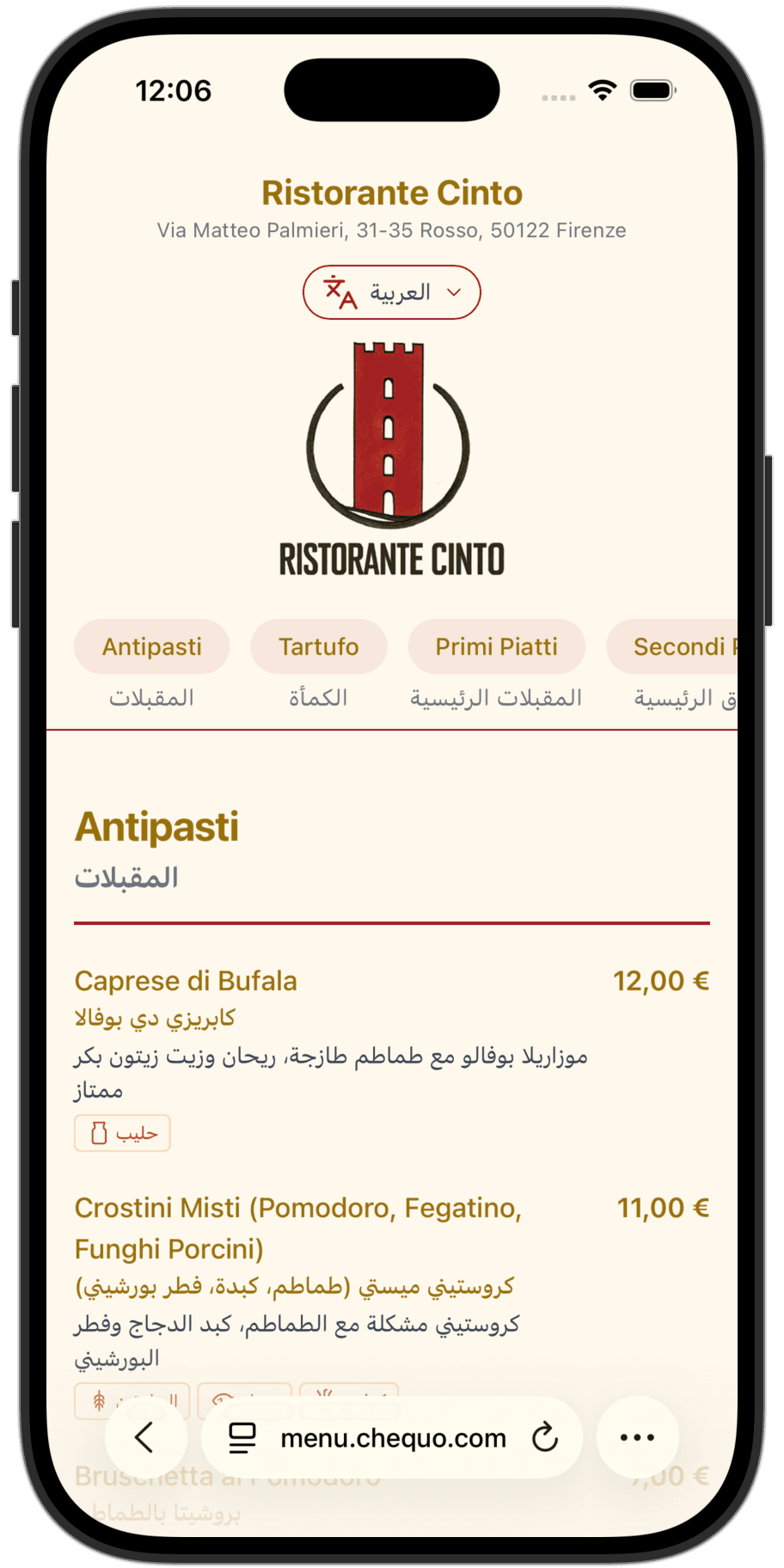
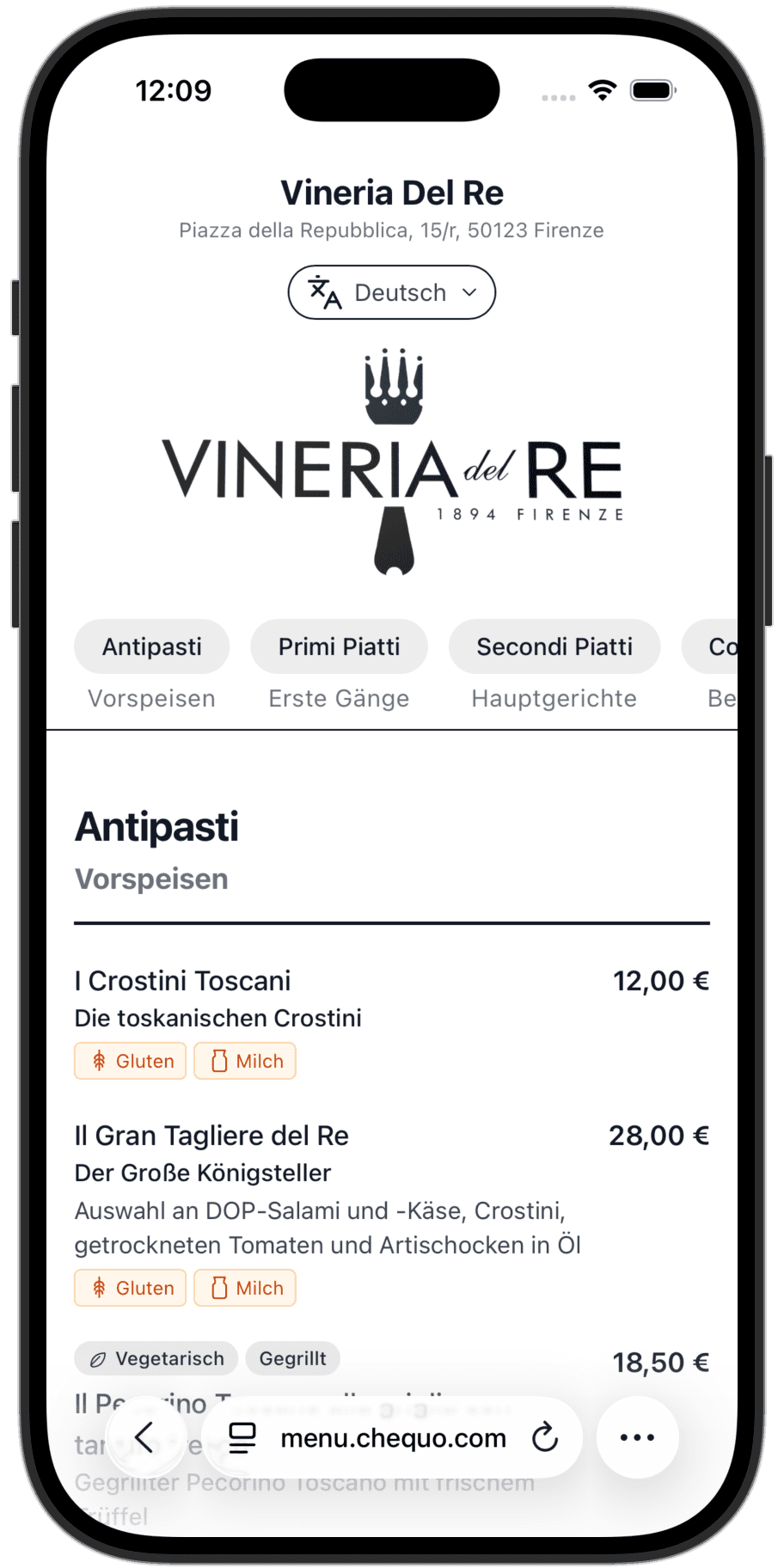
One menu, displayed in every guest’s language.
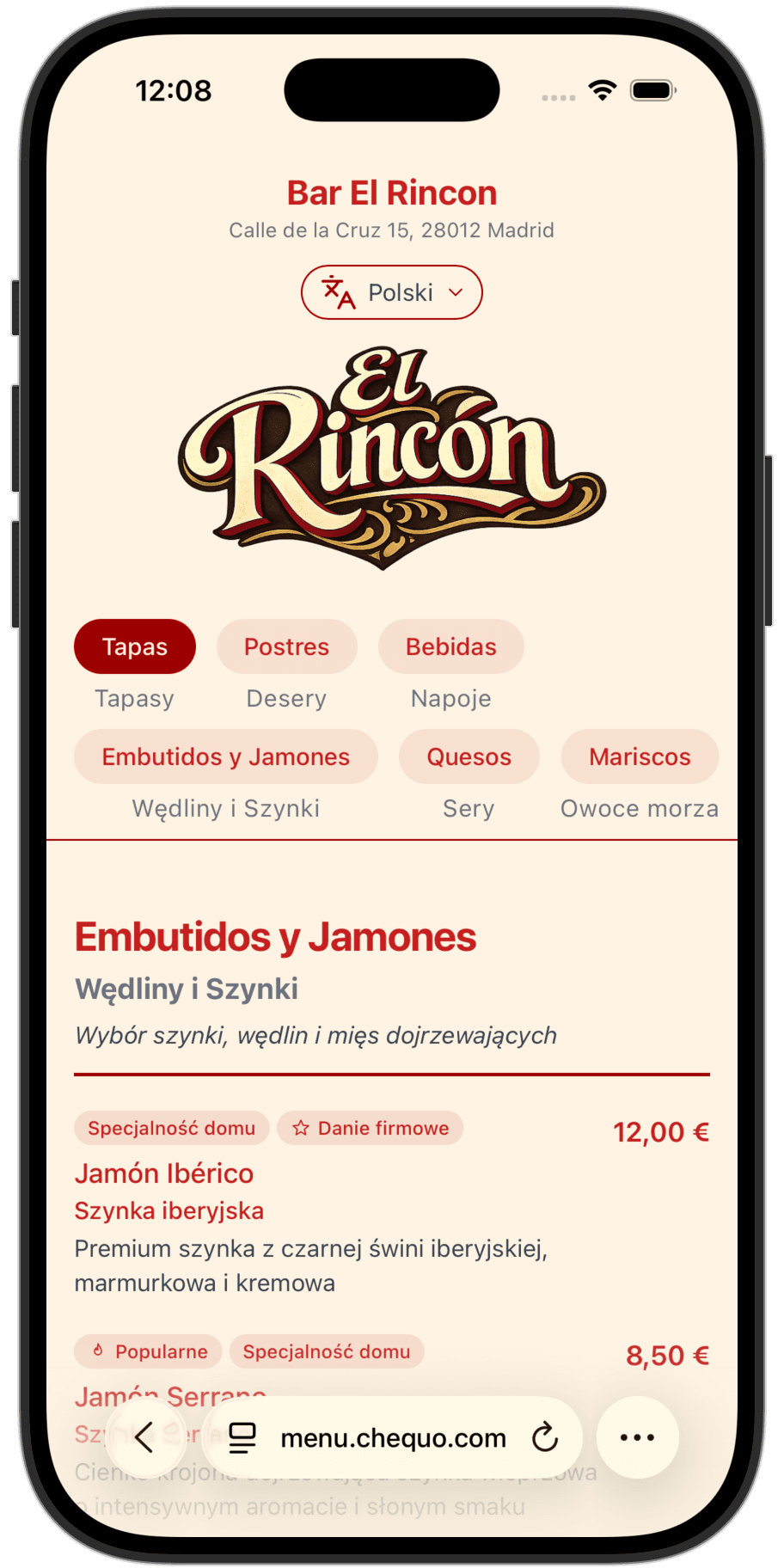
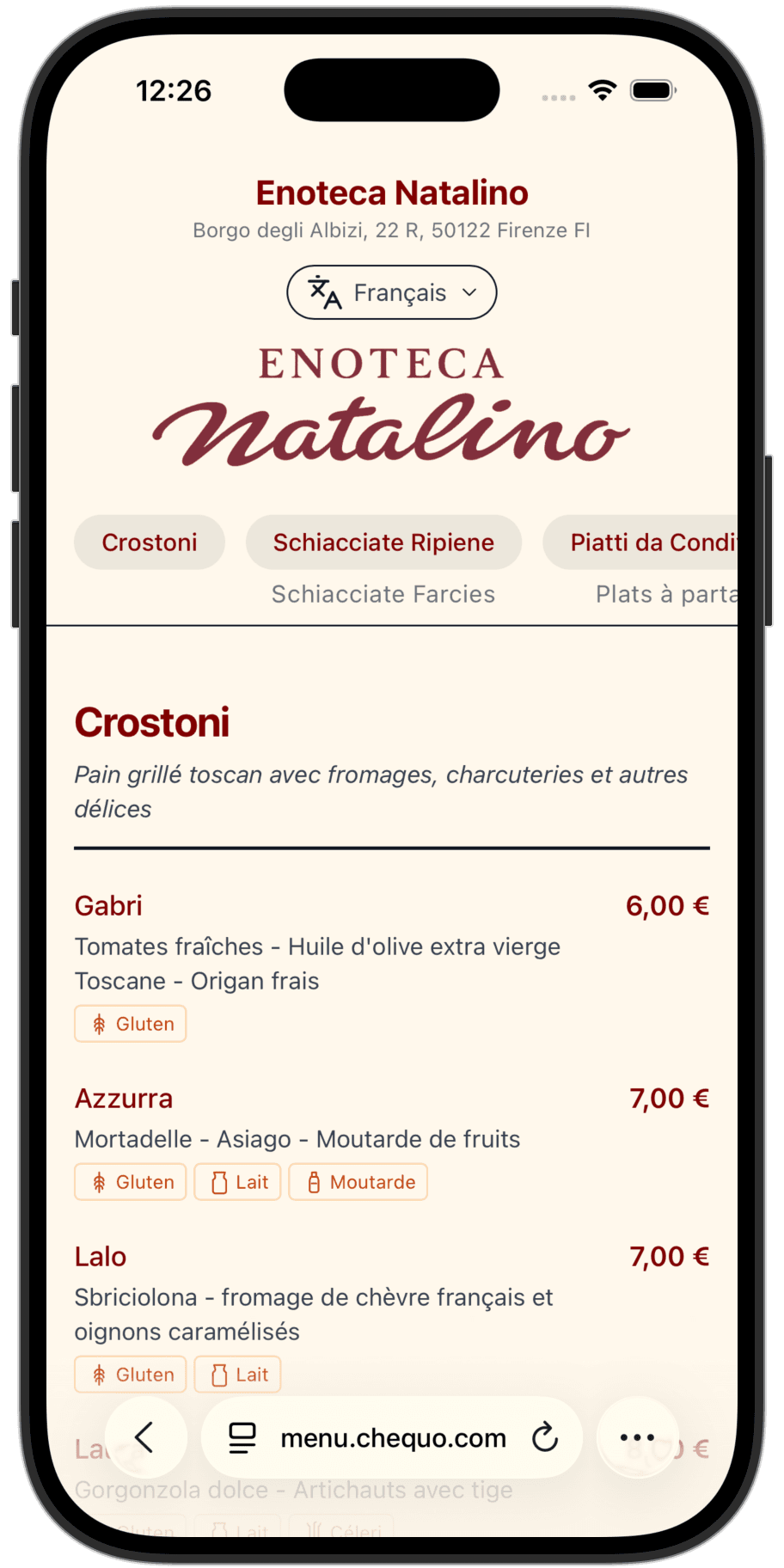
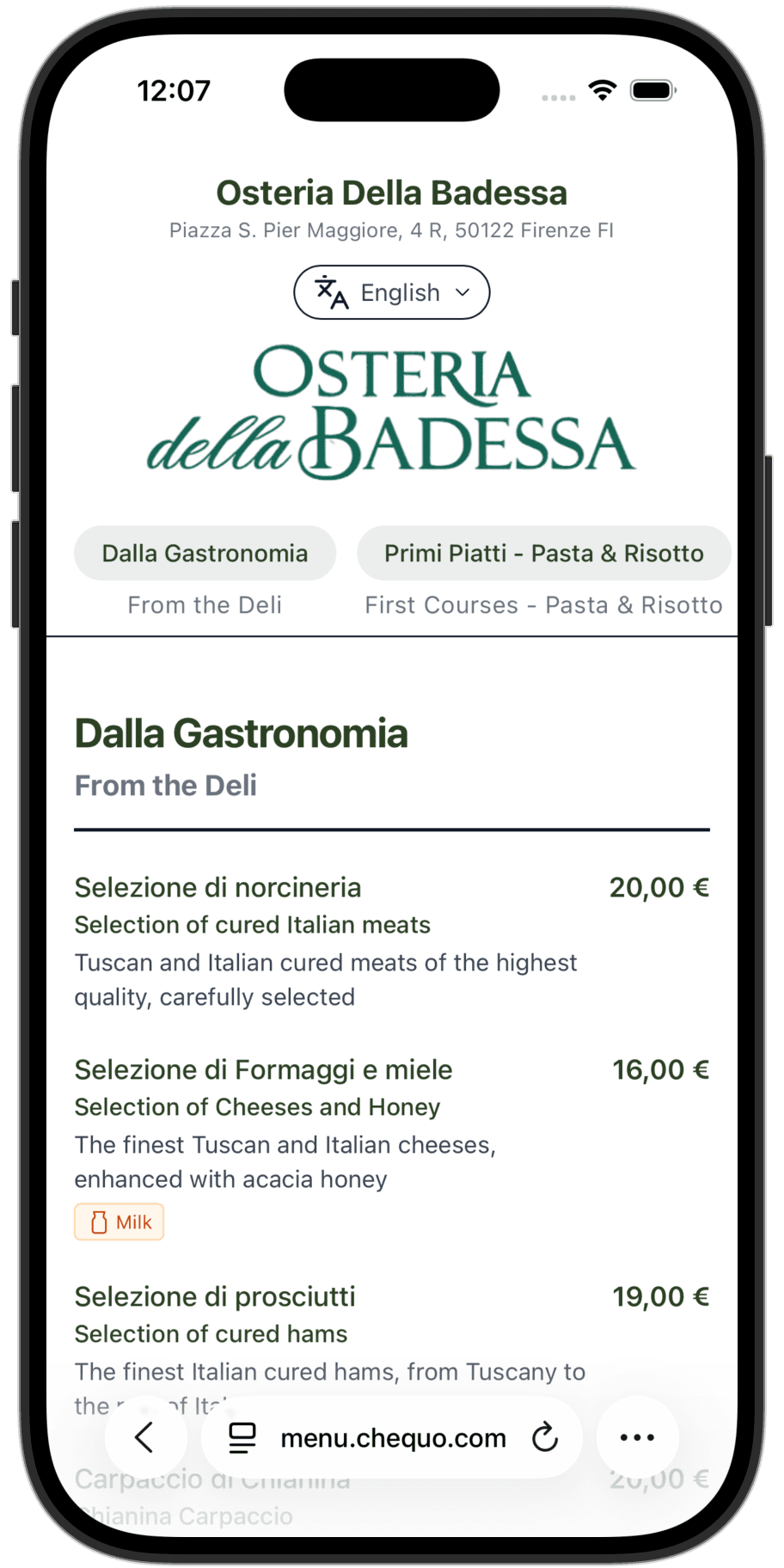
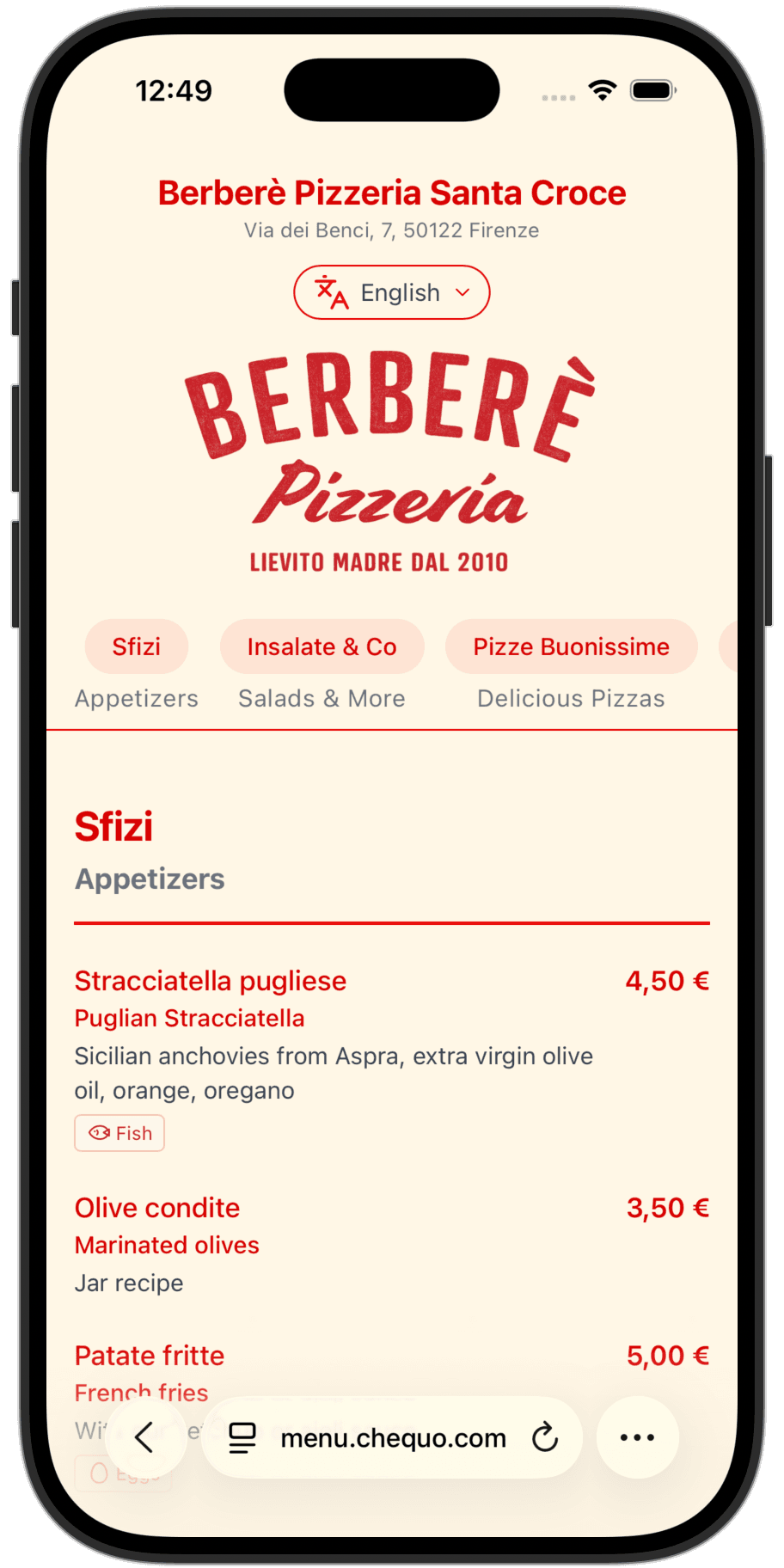
Each one below is a real Chequo QR menu running in production. Tap any to open it in a new tab — the page detects your browser language automatically.
Why this matters
Tourists order more when they understand the menu.
A guest who can only read one item orders that one item. A guest who understands the whole menu orders an antipasto, a main, a side, a glass of wine, dessert. That difference is your average ticket.
- Translated allergens make trying new dishes feel safe — guests with restrictions can actually explore the menu instead of defaulting to the dish they know.
- Tags like Best Seller, Vegan, or Extra Spicy give guests the context a waiter would give them, without needing a waiter to translate.
- The original-language name always sits next to the translation, so a guest can point at the screen and your waiter reads back exactly what they want.
Setup in minutes
From photo to live menu in three steps.
You do not type your menu into Chequo. Chequo reads your existing menu and builds it for you.
- 1
Snap your printed menu
Take photos of every page, or upload a PDF. Chequo’s AI reads the layout and pulls out groups, items, prices, and descriptions. You review what it found and fix anything off.
- 2
Add allergens and tags
Tap a dish to mark its allergens — the 14 EU ones, properly numbered for FIC compliance. Add tags like Best Seller, Vegan, Extra Spicy, House Special. Whatever your menu actually says.
- 3
Translate and publish
One button translates the whole menu into 30+ languages. Review anything you want to override (a specific cut of beef, a regional dish name). Publish. Print the QR code. Done.
Languages
Your menu, in all of these.
Auto-translated the moment you publish. Edit any translation that doesn't feel right — your overrides stick, and stay in sync with future edits.
33+
English
Italiano
Italian
Español
Spanish
Français
French
Deutsch
German
Português
Portuguese
Nederlands
Dutch
Català
Catalan
Polski
Polish
Čeština
Czech
Magyar
Hungarian
Slovenčina
Slovak
Slovenščina
Slovenian
Hrvatski
Croatian
Română
Romanian
Български
Bulgarian
Ελληνικά
Greek
Svenska
Swedish
Norsk
Norwegian
Dansk
Danish
Suomi
Finnish
Українська
Ukrainian
Русский
Russian
Türkçe
Turkish
العربية
Arabic
עברית
Hebrew
हिन्दी
Hindi
ไทย
Thai
Tiếng Việt
Vietnamese
Indonesia
Indonesian
日本語
Japanese
中文
Chinese
한국어
Korean
New languages keep being added — whenever a guest browser asks for one we don't have yet, we add it.
Bilingual by default
Original and translation, side by side.
When a guest taps a dish, they see both the translated name and the original — same screen, same moment. They can point at it and your waiter reads back exactly what they want. No charades, no awkward back-and-forth, no wrong dish at the table.
QR codes
In the formats you actually need.
Download high-resolution PNGs for the table sticker, or scalable SVGs for your menu designer. Print it on the receipt, frame it at the entrance, etch it into the table. Each location gets its own.
Manage by chat
Update the menu by talking to it.
Once your menu is set up, keeping it current takes seconds. Chat with Chequo from your phone and the change lands everywhere at the same time — POS, kitchen display, QR menu, translated versions in 30+ languages.
Change the price of Tiramisú to €6.50.
✓ Tiramisú updated: €5.50 → €6.50. Translations stay in sync.
Add Octopus Carpaccio to Antipasti at €14.
✓ Added Octopus Carpaccio to Antipasti at €14.00. Translating to 30 languages now.
Mark Spaghetti alle vongole as out of stock.
✓ Spaghetti alle vongole hidden from the QR menu and grayed out on the POS.
Tag Cacio e Pepe as Best Seller.
✓ Added Best Seller tag to Cacio e Pepe. Showing in all languages.
QR Menu plan
Start with the QR menu.
Not ready for the full POS yet? Get the QR menu standalone. Auto-translated, allergen-aware, with unlimited updates by chat. One flat price per location.
Pre-launch pricing · billed monthly · VAT not included